How to photograph your pet for a portrait
A good portrait starts with a photo where you can clearly see your pet's face. It doesn't need to be a good photo in any other way. Here's how to take one on your phone, for dogs and for cats, and how to make the most of older photos.
Free to see. No account, no card.
What a clear photo becomes
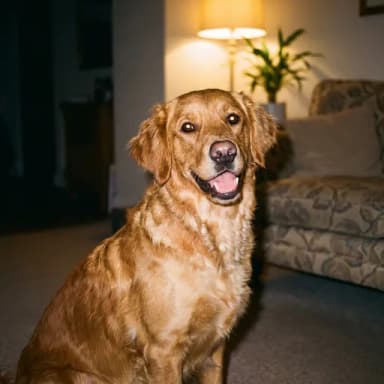
Dog · 35mm film 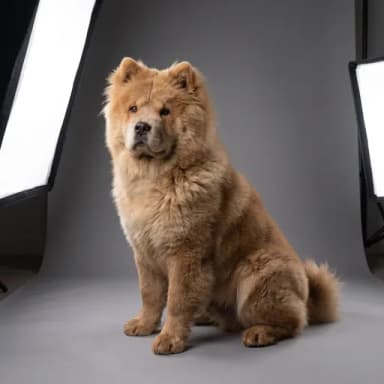
Dog · Studio photo 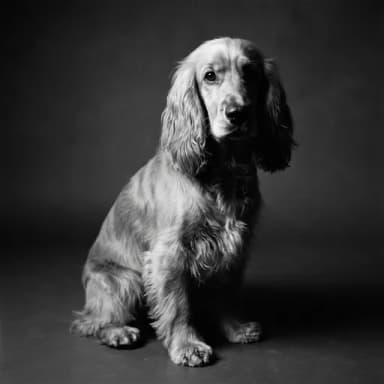
Dog · Black & white 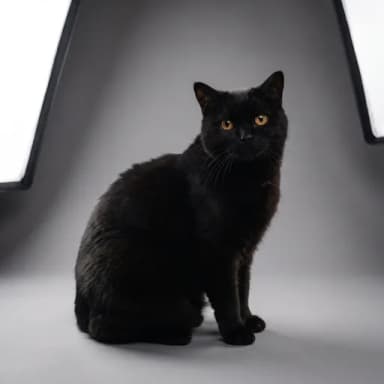
Cat · Studio photo 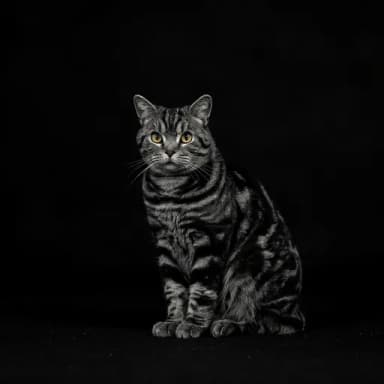
Cat · Black & white 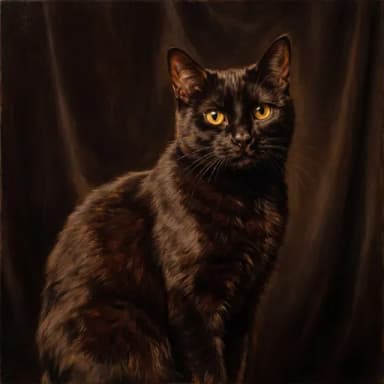
Cat · Oil painting
Real portraits from customers who said we could show them.
What the portrait needs from your photo
The portrait poses your pet afresh, with a new setting and new light, so the pose and the background in your photo don't matter. What matters is the likeness: their eyes, the shape of their face and ears, and their markings. Get those clear and sharp, and the rest takes care of itself.
Light: daylight, not flash
Daylight from a window is the best light there is for a pet photo. Stand with the window beside you or behind you, so it falls on their face. Outdoors, a bright but cloudy day is ideal; strong sun gives hard shadows and makes pets squint.
Avoid the flash in a dark room: it flattens the face and gives the eyes a glow. And don't put a window behind your pet, or their face turns into a dark shape.
Get down to their level
Most pet photos are taken standing up, looking down, which gives a big head, small legs and a lot of floor. Crouch or sit so the phone is level with their eyes. It's the single biggest improvement you can make.
Focus on the eyes
Tap the screen on their eyes before you take the photo; that tells the phone what to keep sharp. Hold the phone with both hands and keep your elbows in.
Don't zoom in; move closer instead, as zooming on most phones loses detail. And skip portrait mode: it can blur the edges of ears and whiskers.
For a pet who won't keep still, hold the shutter button down: on most phones that takes a burst of photos, and one of them will be sharp.
Dogs
- Try after a walk, when they're tired and happy to settle.
- Hold a treat or a squeaky toy just above the phone, so they look towards the lens.
- Say their name, or make an odd noise, for the head tilt.
- A second person to hold the treat makes it much easier.
- For a puppy, wait until it's sleepy or just woken up: the only time it stays still.
Cats
- Don't chase them. Wait in their favourite spot, often a sunny window sill, and let them come to you.
- They're calmest after a meal or when they've just woken up.
- A feather toy held above the phone gets their attention for a second or two; be ready.
- Turn the shutter sound off if it bothers them.
- A slow blink from you sometimes earns one back, and a relaxed face.
Black, white and very fluffy pets
Black coats need more light than you'd think: get them near a window and tap on their face so the phone brightens it. White coats are the opposite: keep them out of direct sun, so the fur doesn't turn into a white blur. For very fluffy pets, make sure you can see the eyes; a quick brush of the face helps.
Using older photos
If your pet has died, or you only have older pictures, they can still work. For a printed photo, lay it flat near a window and photograph it straight down, avoiding glare. Screenshots from videos often work, too: pause on a frame where the face is clear.
You can add up to three photos. One is enough, but a second from a different angle helps with complicated markings.
Quick checklist
- Face clearly visible, both eyes if possible
- Daylight on the face, no flash
- Phone at their eye level
- Sharp on the eyes
- Close enough that the face fills a good part of the picture
Questions
Can I use a photo with people in it?
Yes, as long as your pet's face is clear. The portrait is of your pet. We never show your photo publicly.
Does it matter if my pet is wearing a collar or harness?
No. Use the clearest photo of the face you have; the portrait sets the pose and the scene.
My photo is a bit blurry. Is it worth trying?
Yes. It's free to see the result, so try it. If the likeness isn't right, a sharper photo usually fixes it.
How many photos should I add?
One clear photo is enough. You can add up to three, which helps with tricky markings or a face that looks different from each side.
Related
Free to see. No account, no card.